








HĀLO [v2 LĪNKD]
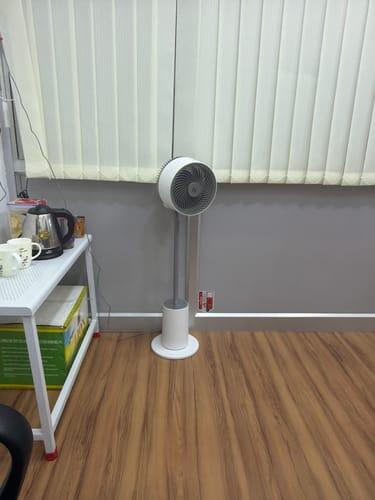
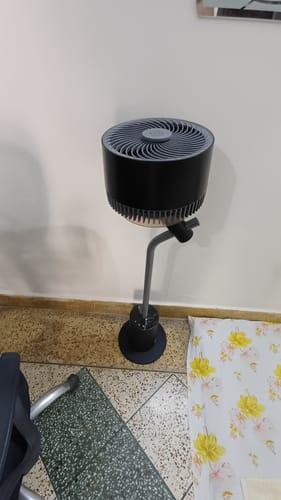
India's most silent 3D Air Circulation Fan with Mood Lamp. Control speed, lighting, and oscillation through the NUUK App.
MRP incl. of all taxes
Features

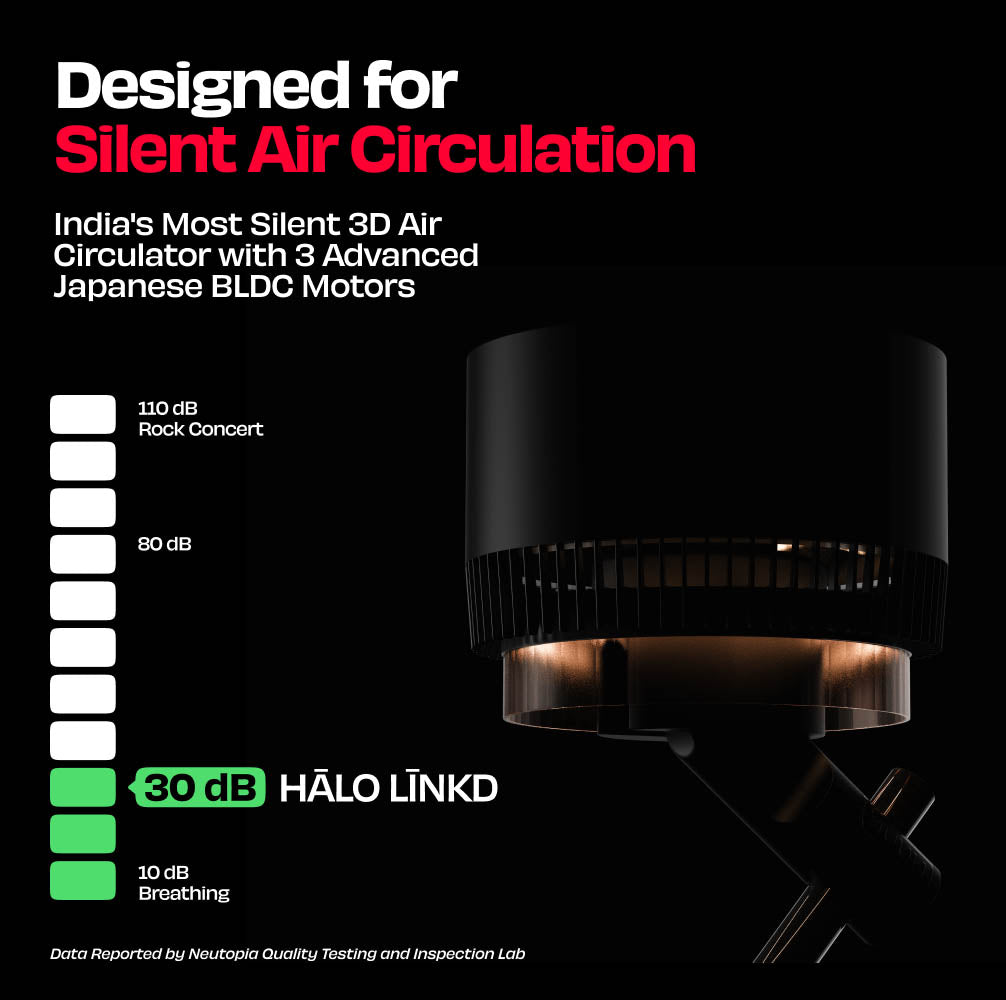
Super Silent <30dB

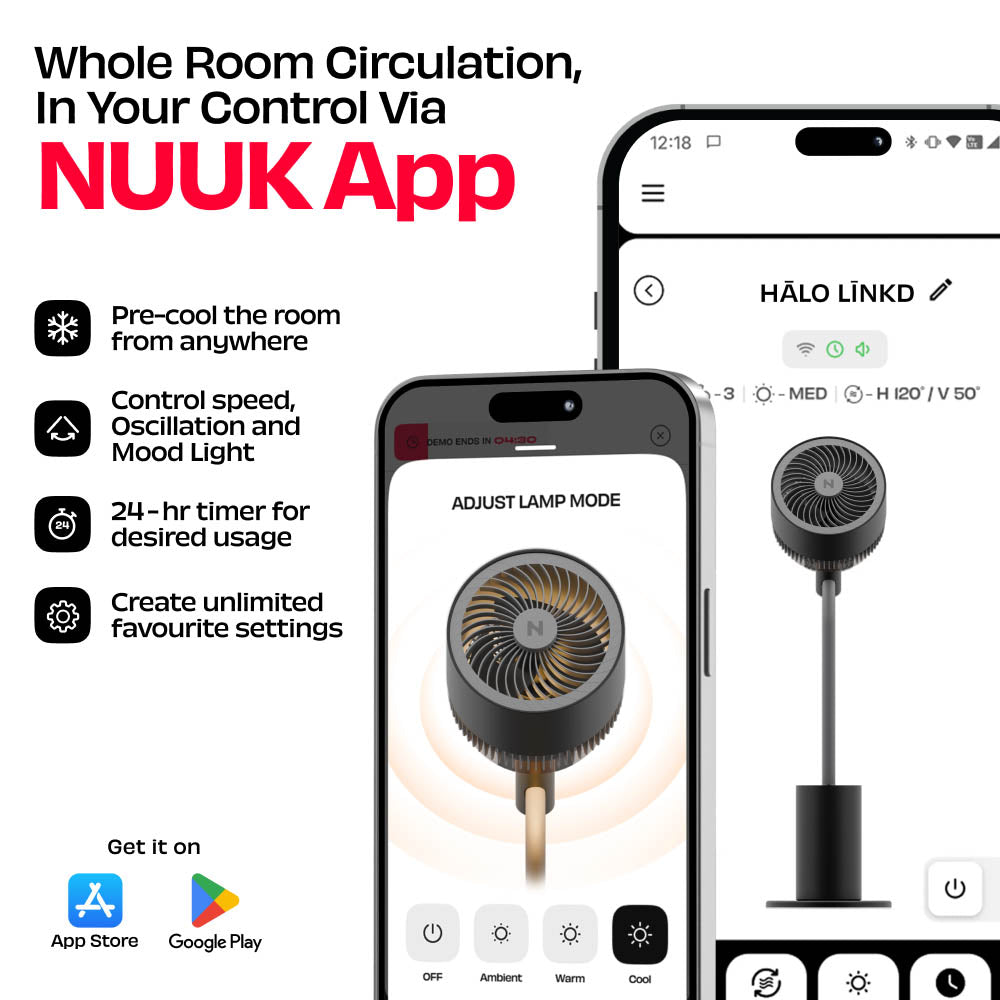
NUUK App Connectivity

Remote Control

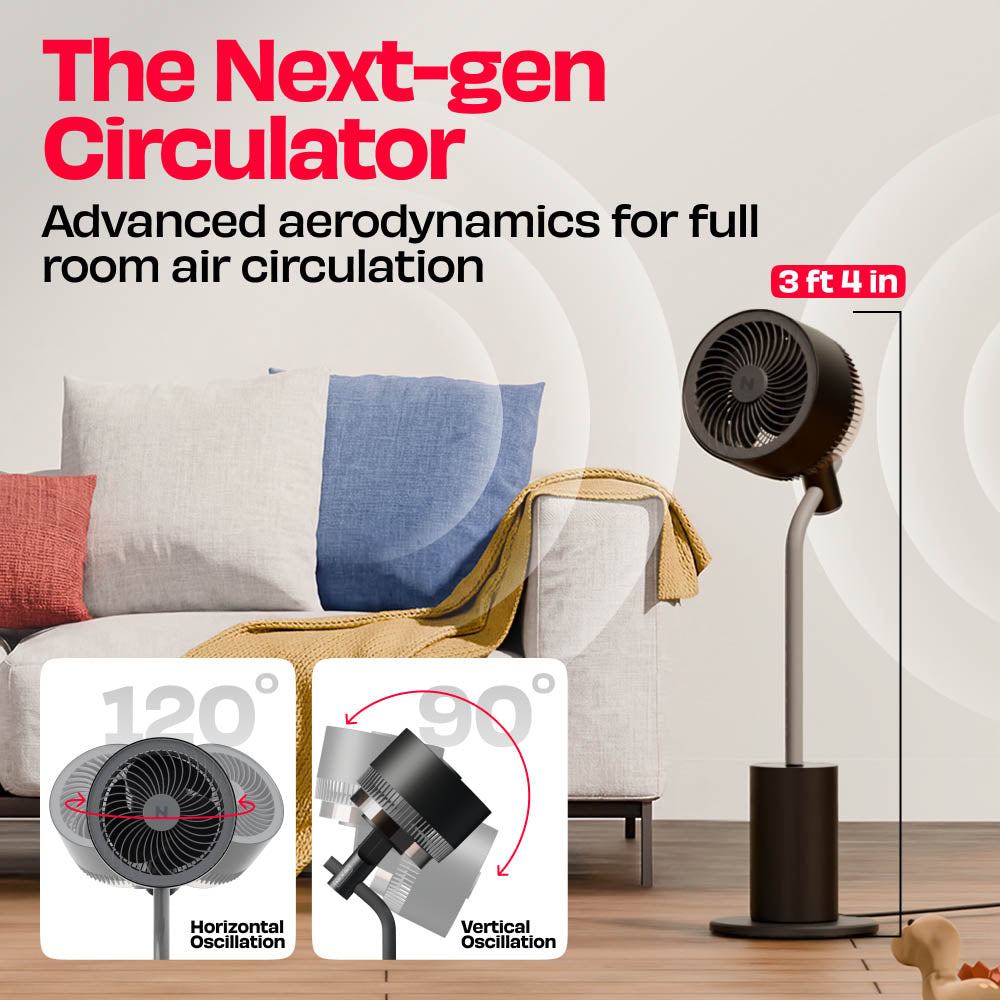
Horizontal Oscillation

Vertical Oscillation

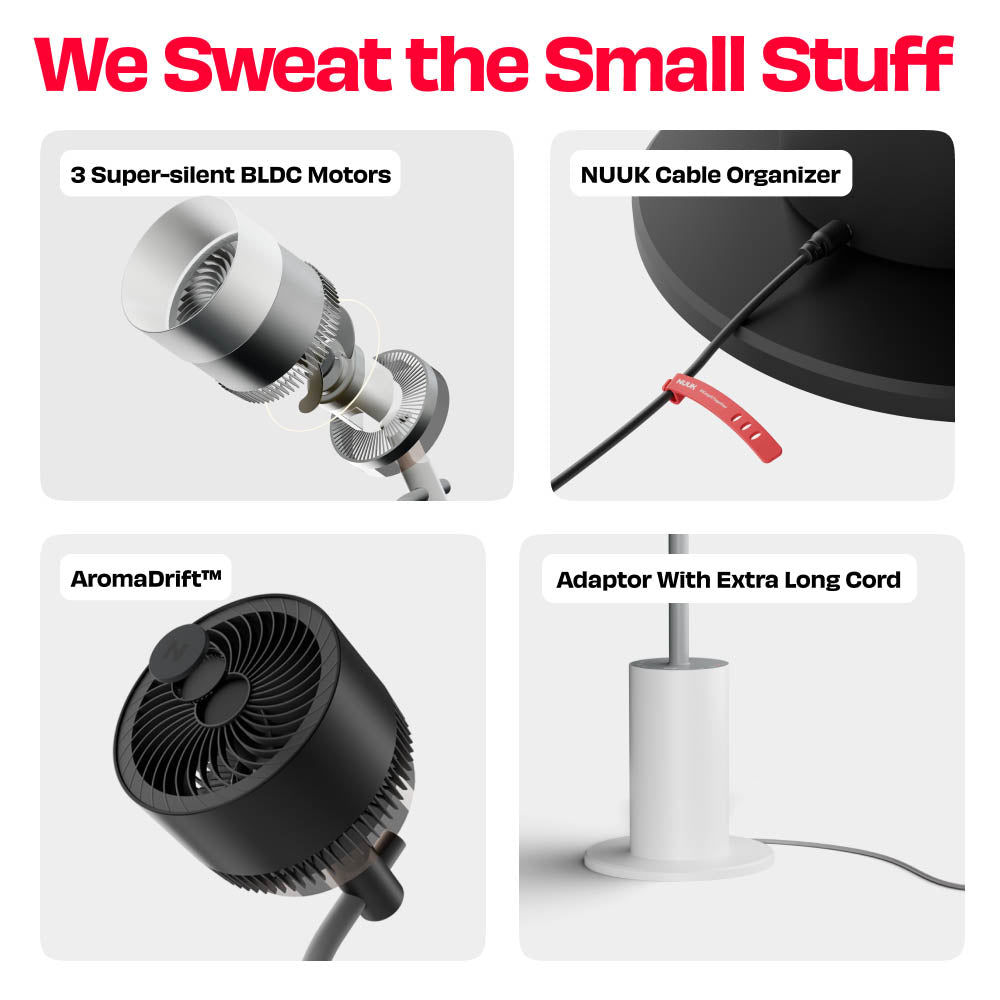
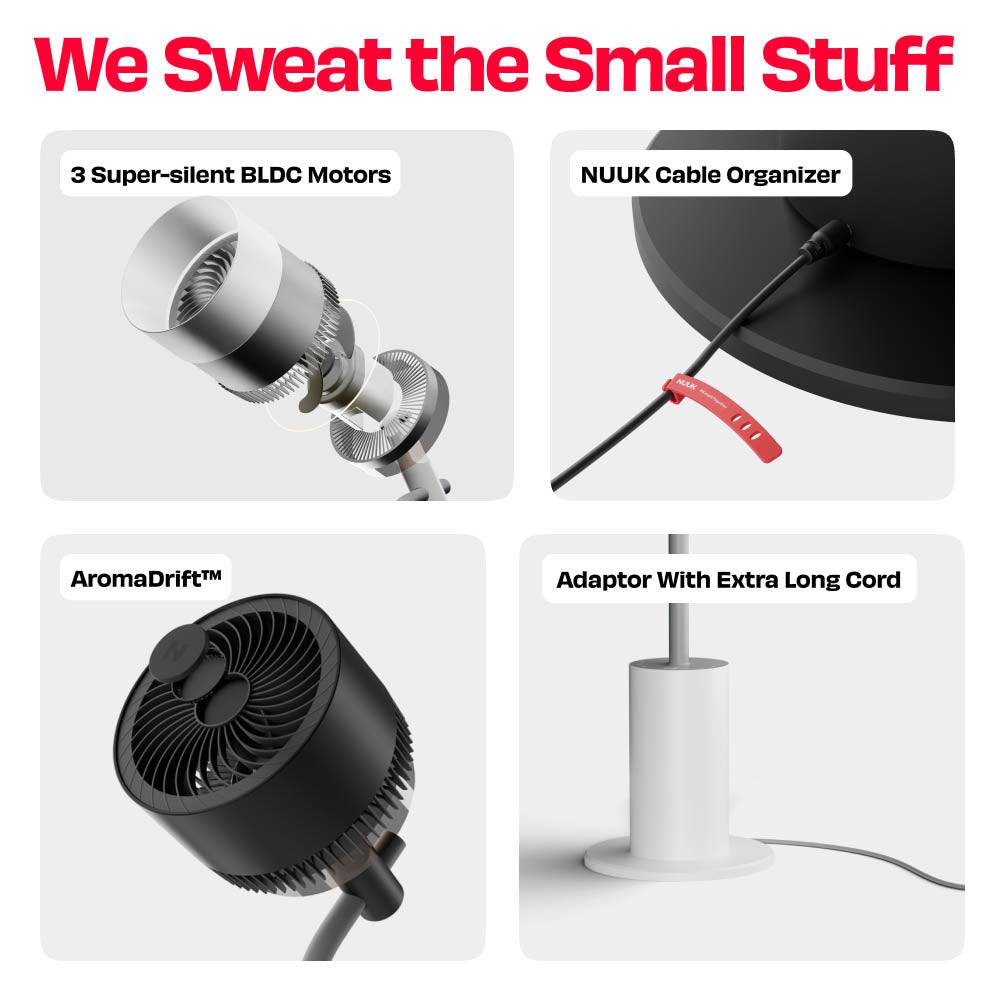
3 Japanese BLDC Motors

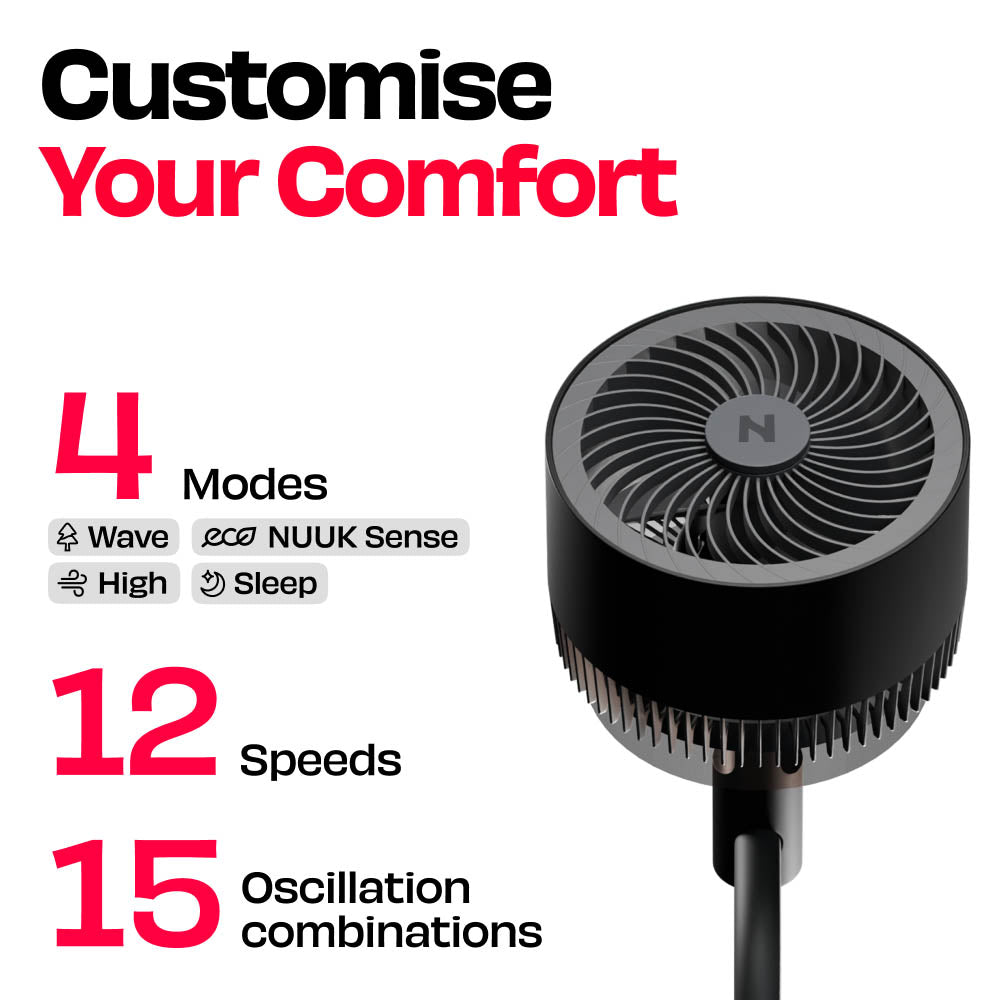
12 Wind Speeds and 4 modes

3 Mood Light Settings

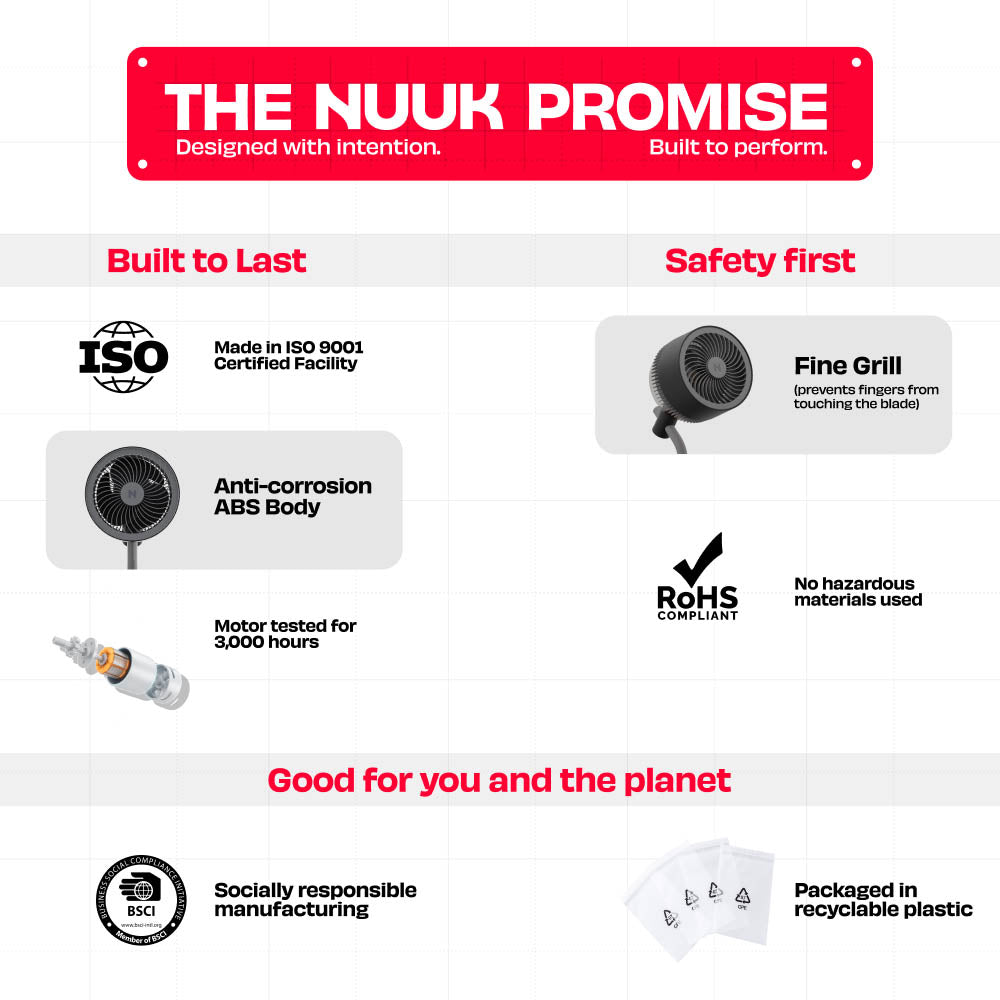
Safe for Fingers and Paws
Delivery Date


About the Product
In the Box
Additional Details
Product Details

Test Reports


Things people often wonder
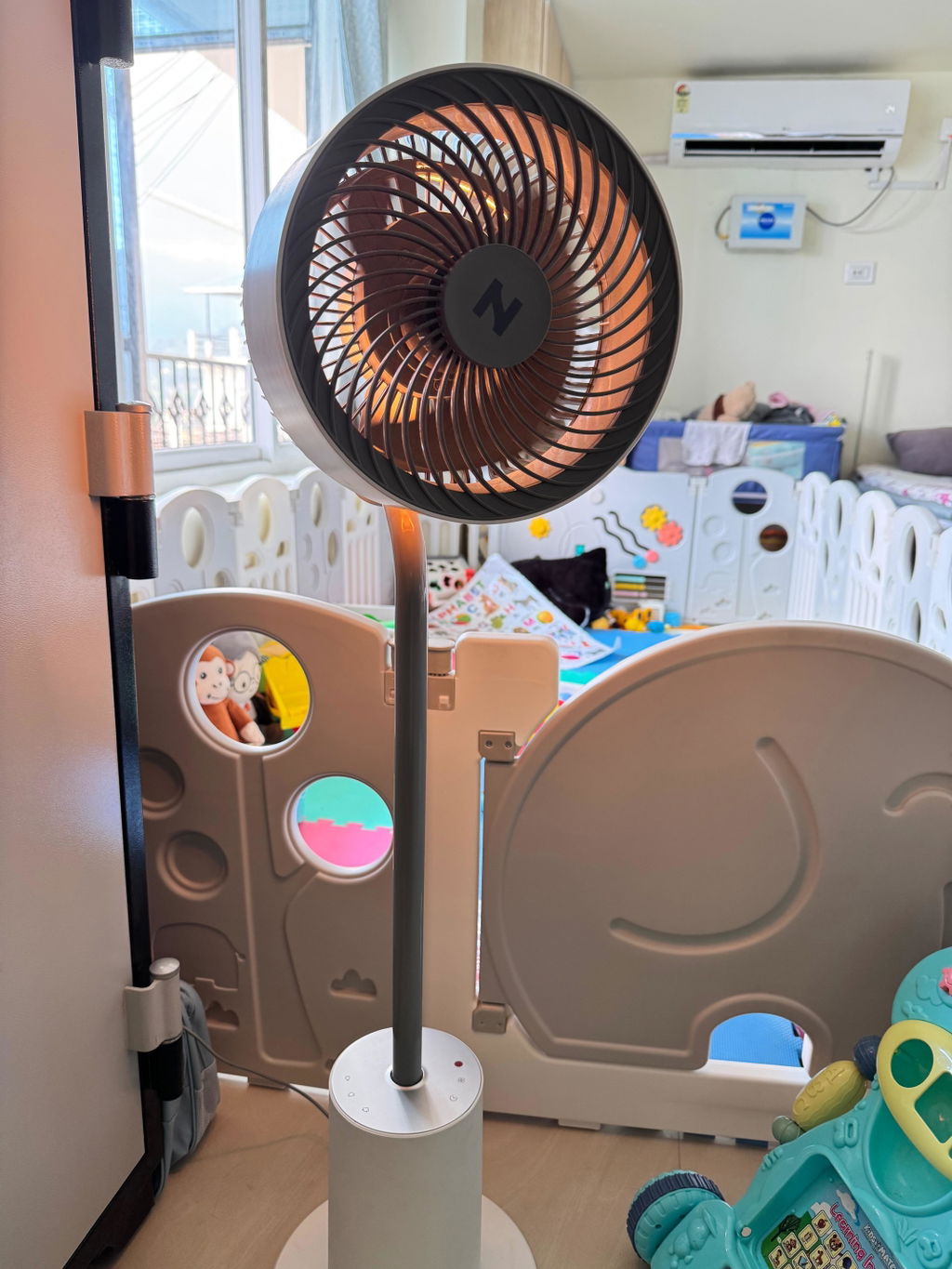
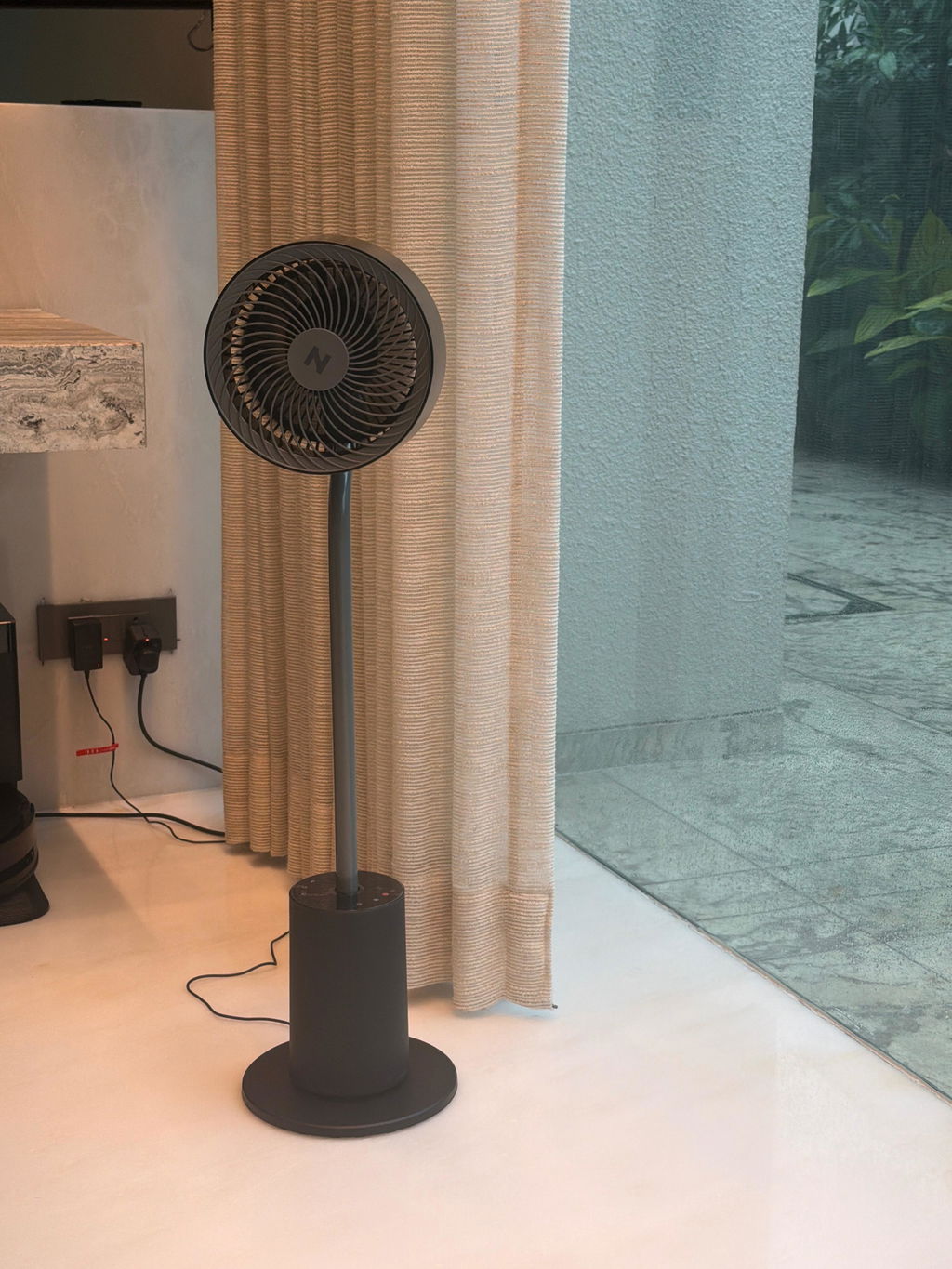
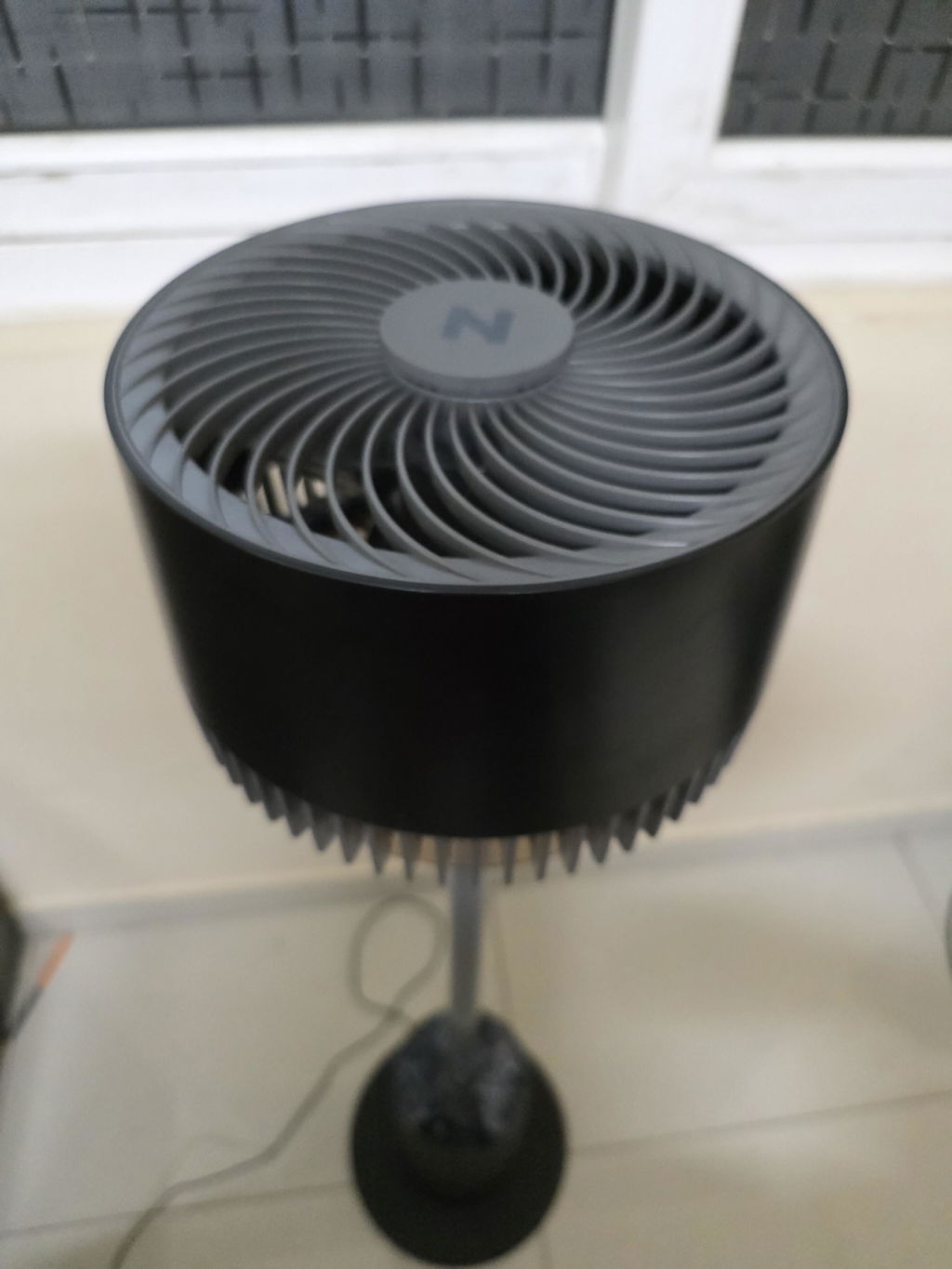
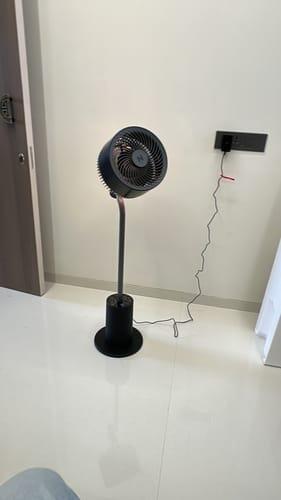
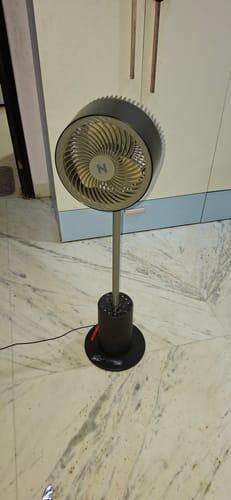
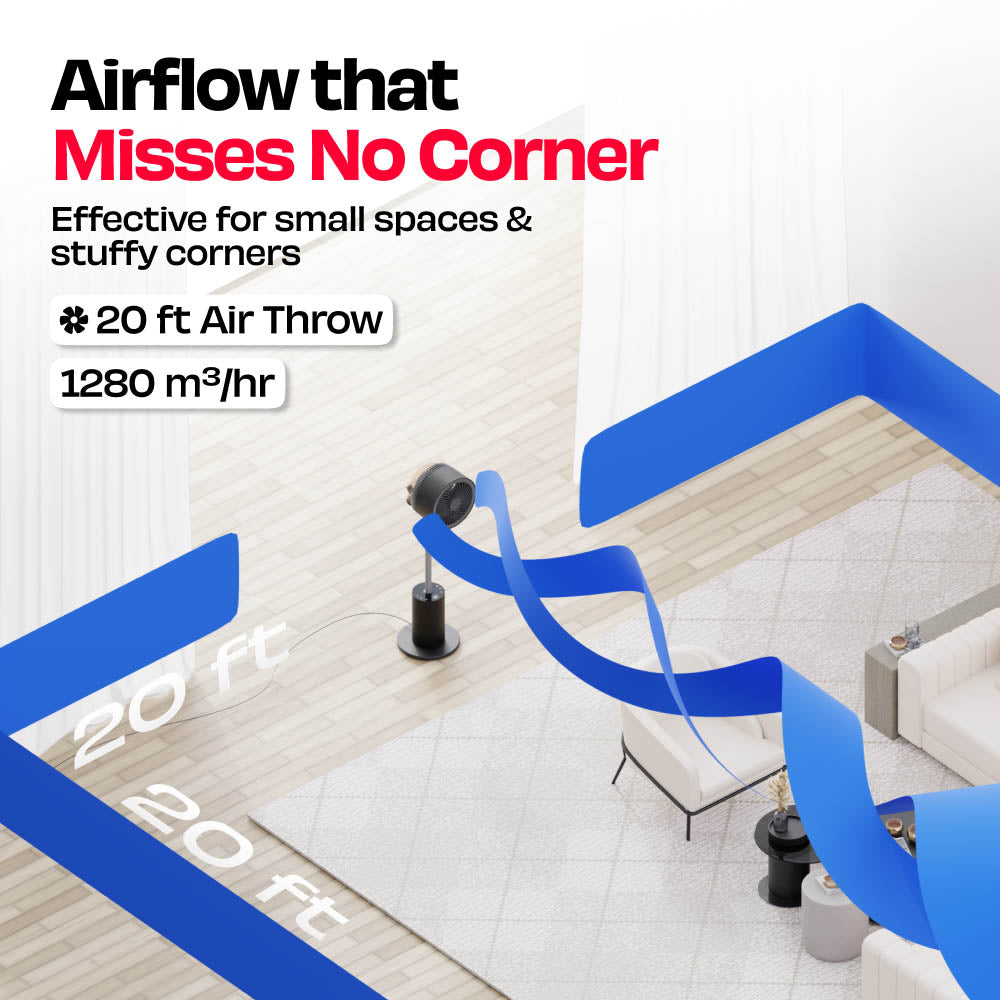
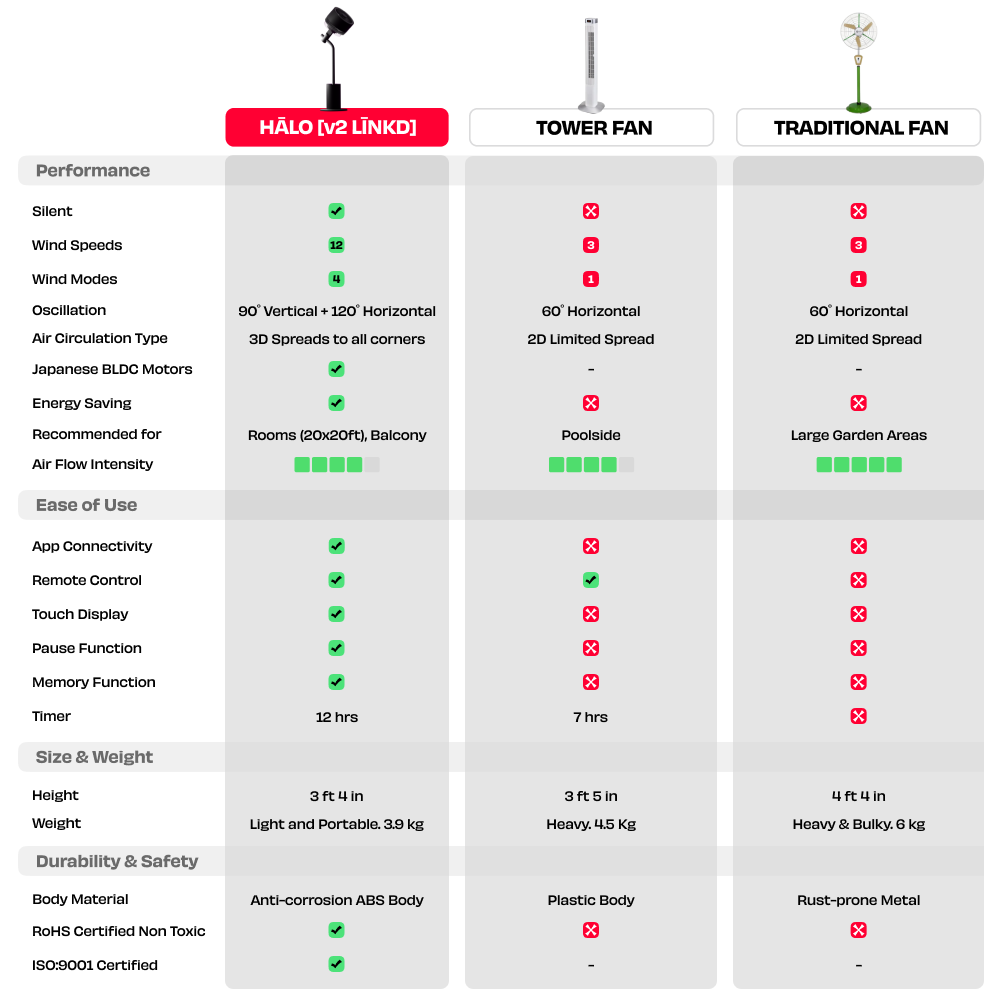
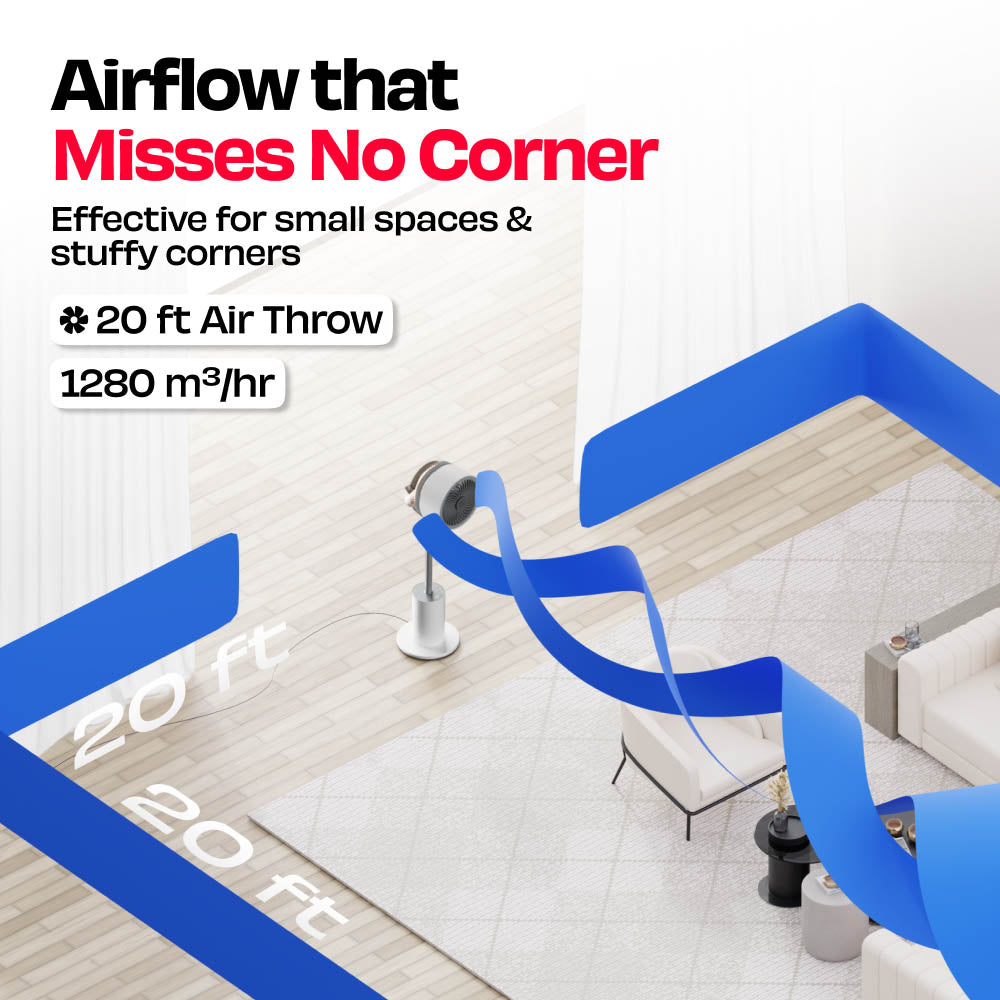
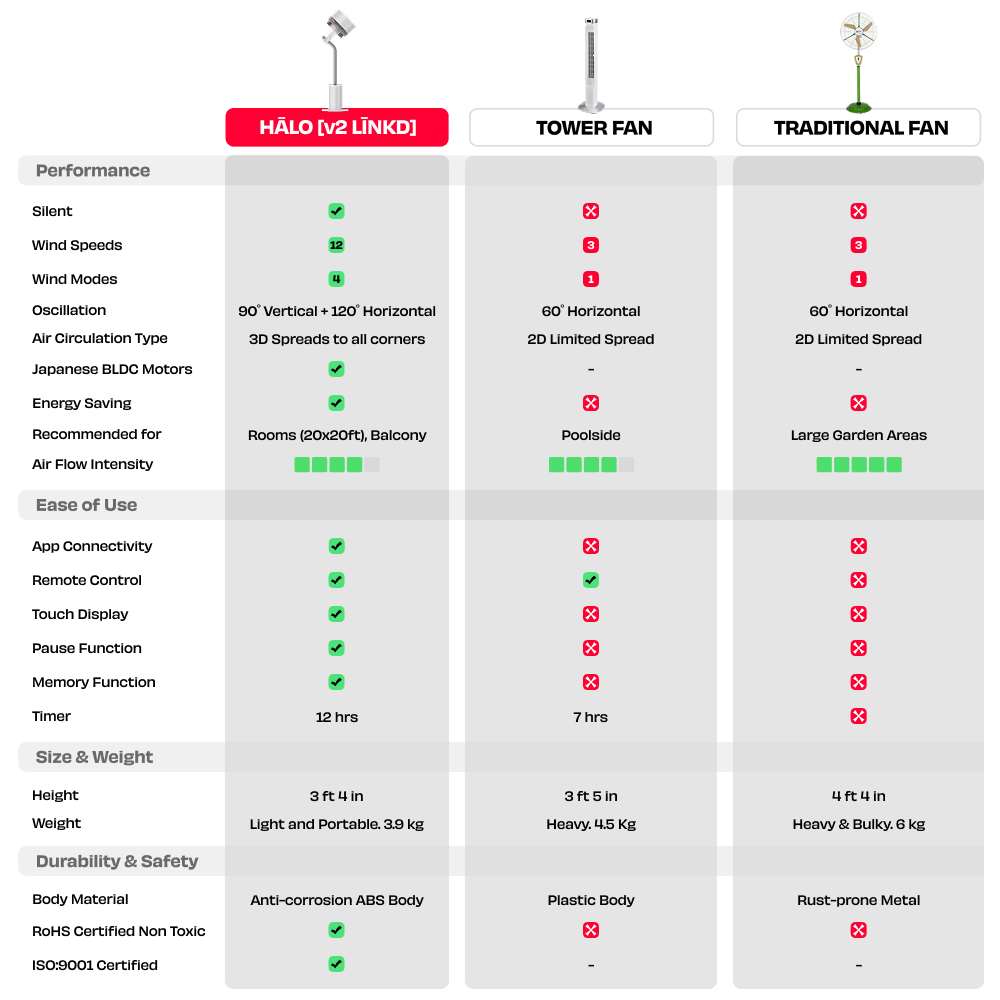
HĀLO [v2 LĪNKD] is a 3D air circulator, not a traditional fan. Instead of blowing air in one direction, it moves air across the entire room using horizontal and vertical oscillation, helping eliminate dead zones and keeping the air feeling fresh everywhere.
HĀLO [v2 LĪNKD] is designed to be super - silent, operating at less than 30 dB on low speed. It’s quiet enough for bedrooms, workspaces, study areas, and even while watching TV.
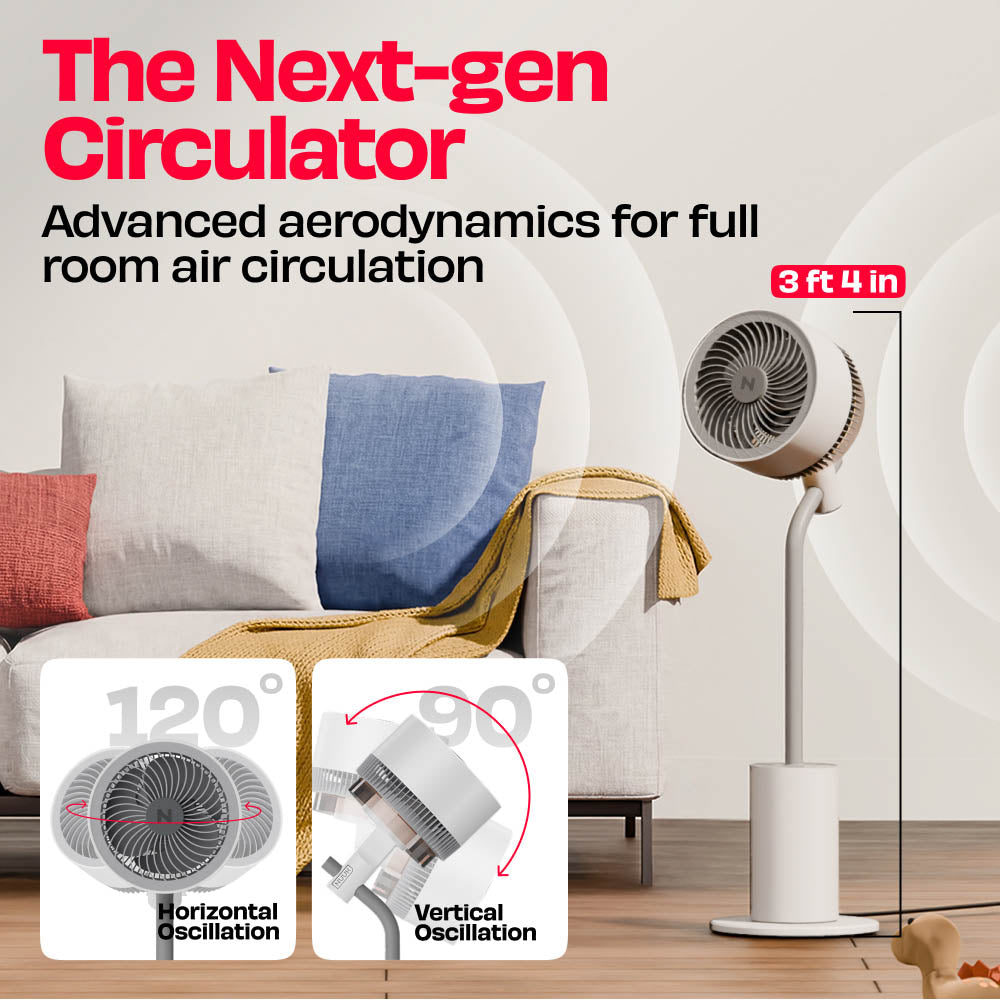
HĀLO [v2 LĪNKD] offers multi-directional oscillation for full-room circulation. Horizontal oscillation: 30°, 60°, 90°, 120° Vertical oscillation: 50° and 90° This allows air to reach areas traditional fans often miss.
HĀLO [v2 LĪNKD] offers 12 speed levels and 4 intelligent modes: Wave, Sleep, Eco, HI. These modes help adjust airflow based on comfort and room conditions.
Yes. HĀLO [v2 LĪNKD] features a memory function that remembers your previous speed, oscillation, and settings so it resumes exactly where you left off.
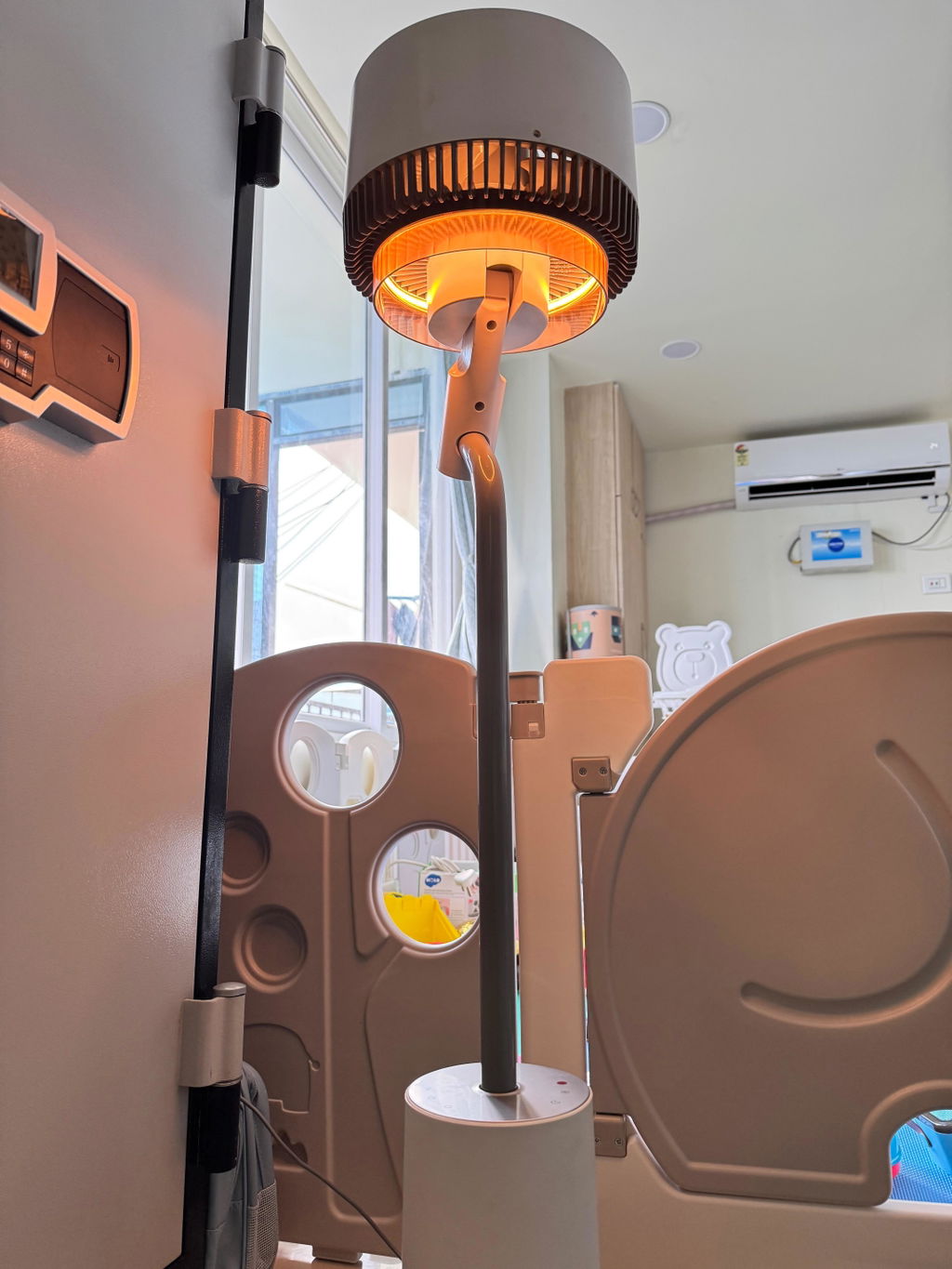
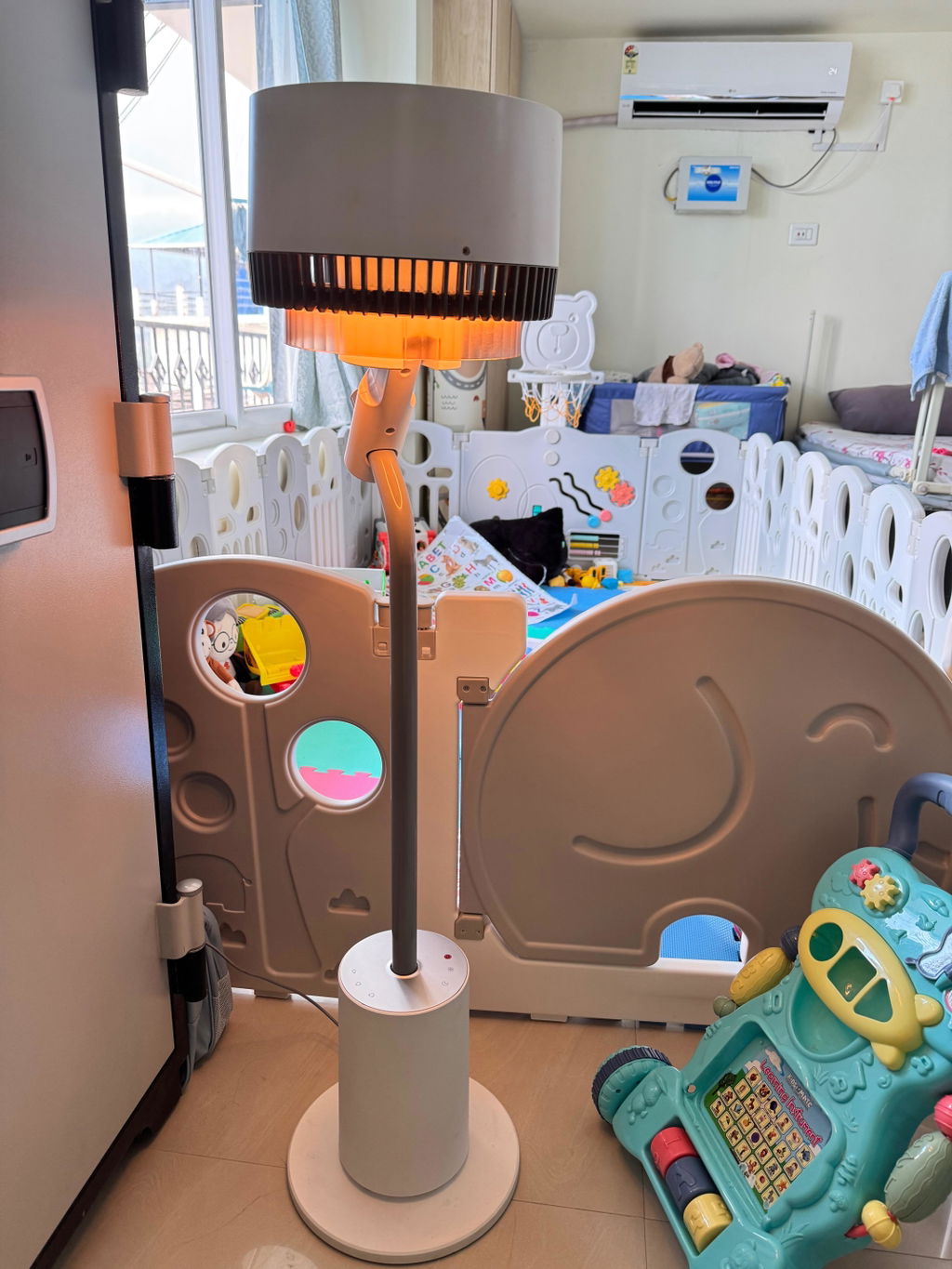
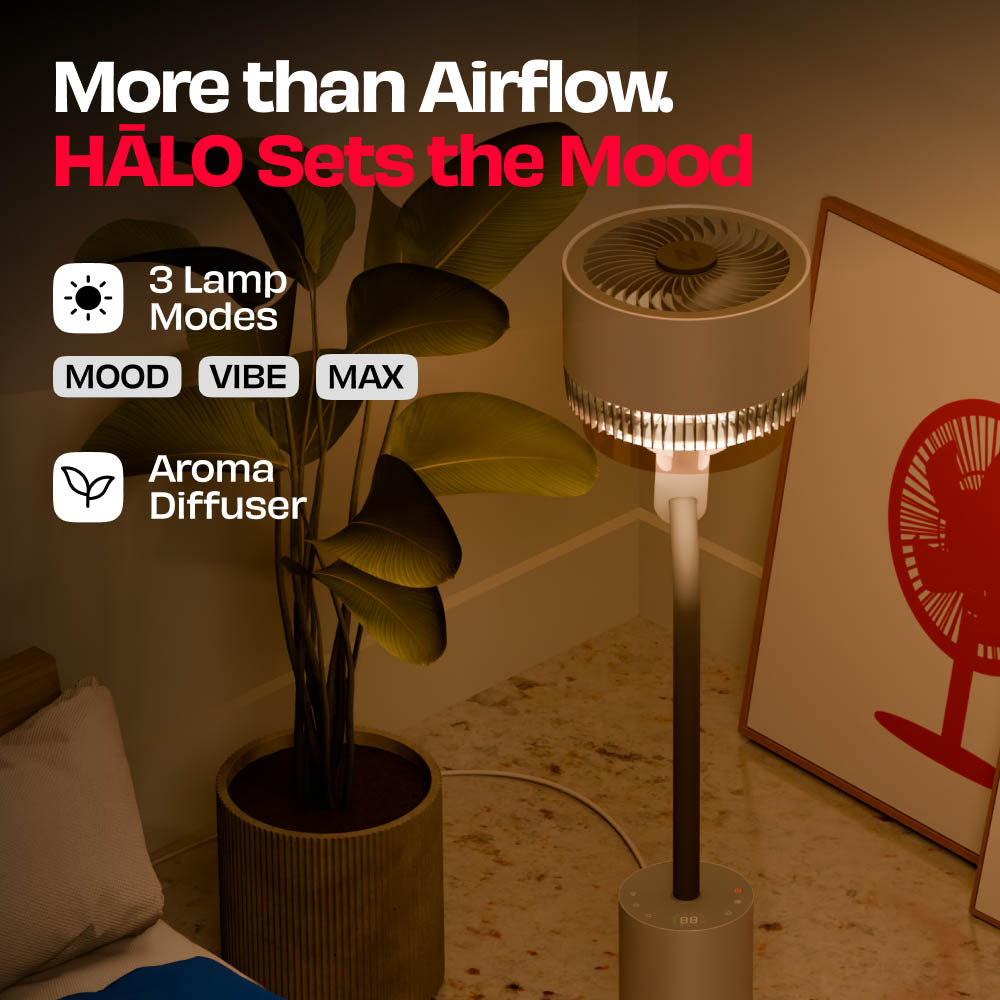
HĀLO [v2 LĪNKD] includes an integrated mood lamp with three brightness levels: Mood, Vibe, and Max. It adds a soft ambient glow and can also work as a stylish floor lamp.
Absolutely. HĀLO [v2 LĪNKD] works great as an AC companion. By circulating cool air evenly across the room, it can help improve cooling efficiency and reduce hot or cold spots.
HĀLO [v2 LĪNKD] includes a magnetic AromaDrift box that allows you to add essential oils. Simply place a scented cotton ball inside to gently diffuse fragrance while the fan circulates air.
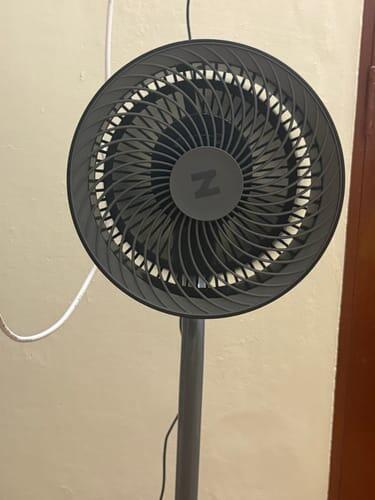
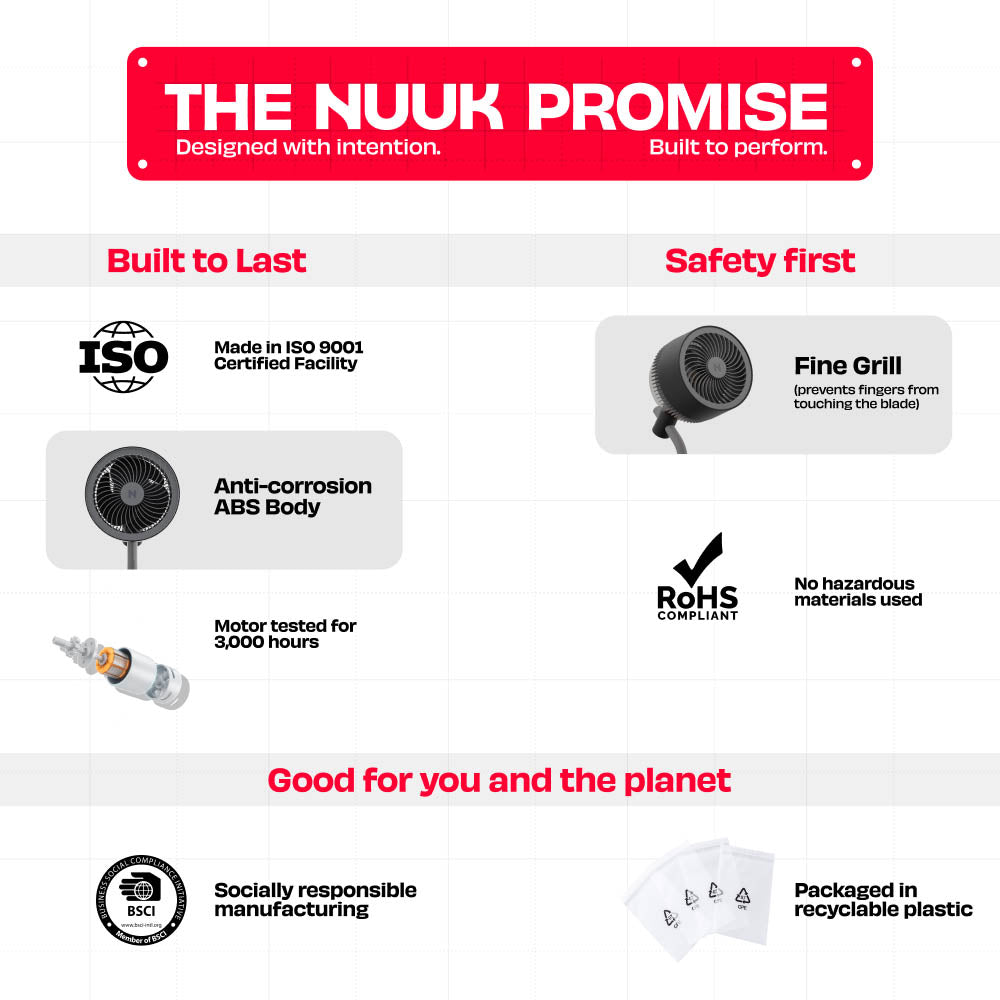
Yes. HĀLO [v2 LĪNKD] features a fine mesh protective grille that prevents fingers or paws from reaching the blades, making it safe for homes with children and pets.
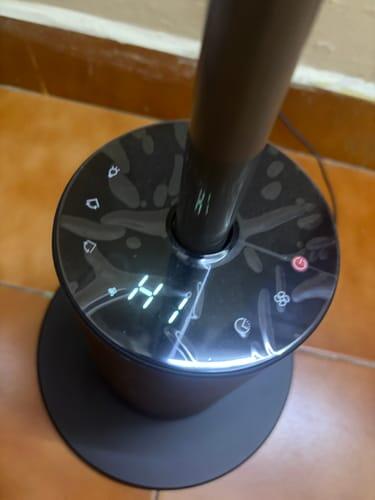
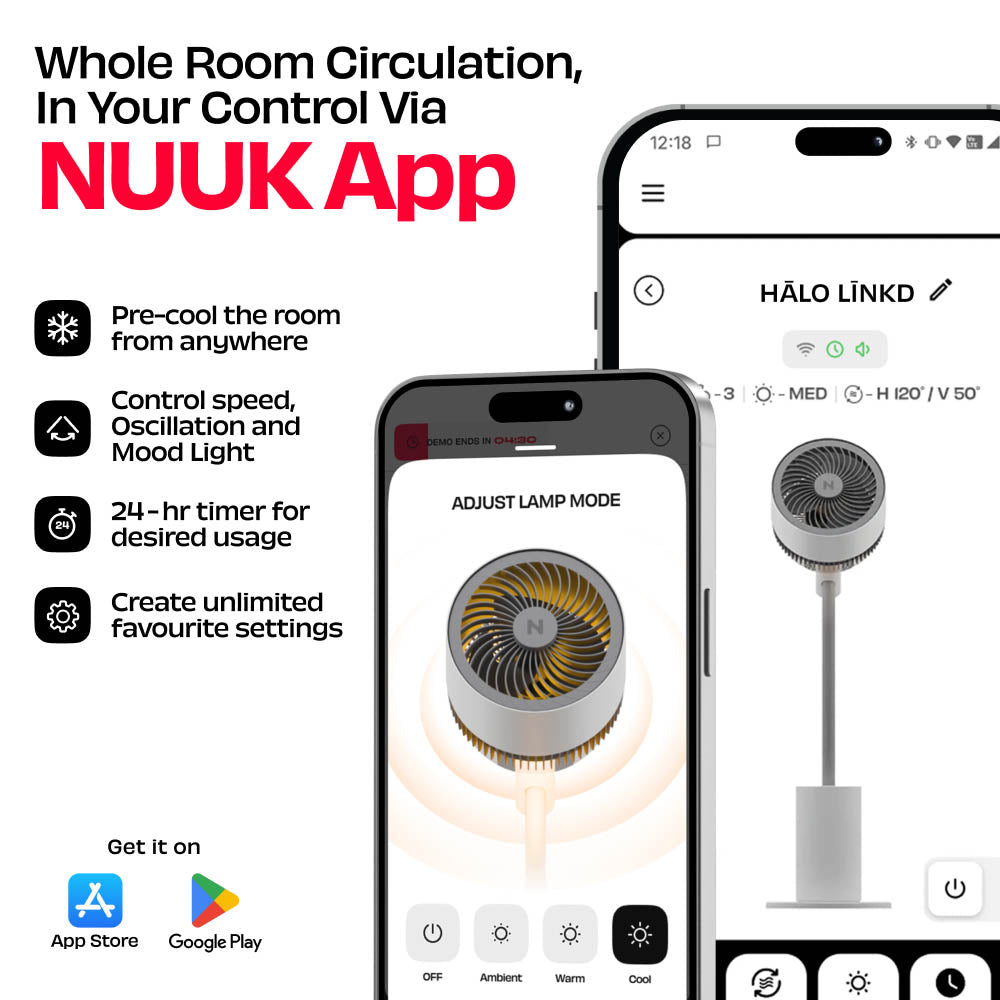
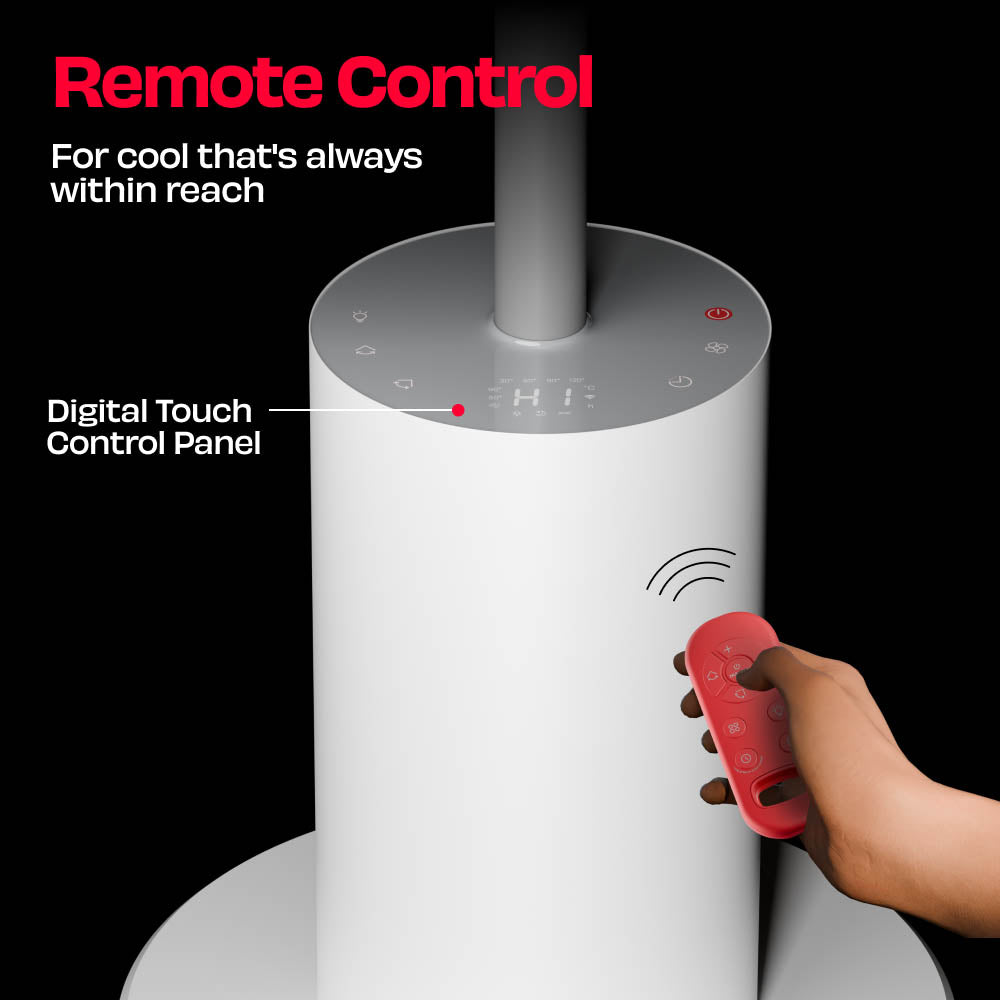
Yes. HĀLO [v2 LĪNKD] can be operated using the touchscreen digital panel or the remote control if you prefer not to use the app.
Yes. HĀLO [v2 LĪNKD] allows you to set a timer up to 12 hrs for automatic ON or OFF operation.
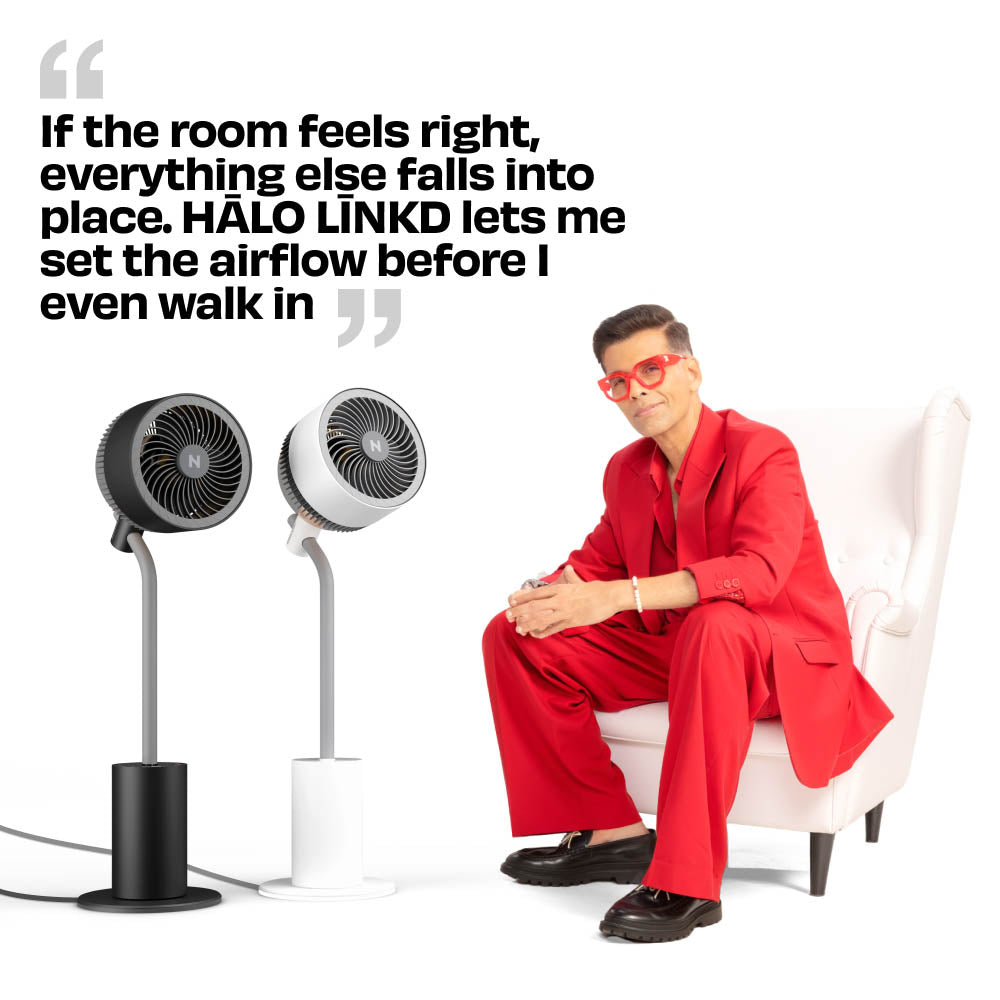
Yes. HĀLO [v2 LĪNKD] works with the NUUK app, allowing you to control speed, oscillation, lighting, modes, and timers directly from your phone, even before you walk into the room.
Please check the following before pairing: Make sure you’re in an area with good Wi-Fi connectivity. Ensure your phone’s Bluetooth is turned on during the first pairing. Verify that your phone is connected to a 2.4 GHz Wi-Fi network (NUUK devices require a 2.4 GHz network to connect). Keep your phone close to the device (within 1–2 meters) during setup. Ensure that you’ve set the HĀLO [v2 LĪNKD] in pairing mode by long pressing the Light button on the Digital Touch Control Panel and letting the countdown finish. When in pairing mode, you will see the Wi-Fi symbol blinking on your HĀLO [v2 LĪNKD]. If pairing still fails, restart your phone and the HĀLO [v2 LĪNKD], and try again.
Bluetooth is only used once during the first-time setup to discover and pair your HĀLO [v2 LĪNKD] quickly. After setup, the device connects to Wi-Fi directly and Bluetooth is no longer required for control. You will then be able to access your HĀLO [v2 LĪNKD] as long as your Wi-Fi connection is available and your phone has a valid data connection.
No. Once your HĀLO [v2 LĪNKD] is connected to Wi-Fi, you can turn off Bluetooth. All further commands (speed and oscillation control, light control, timers and scheduling) will work over Wi-Fi or mobile data.
Some Android phones require location access to scan for Wi-Fi networks during device setup. Nuuk never tracks or stores your location, this permission is purely technical and temporary.
Yes. Log in to your Nuuk account on any device using the same credentials. Your HĀLO [v2 LĪNKD] will automatically sync across them.
On iOS devices, Apple applies very strict security and privacy rules around Wi-Fi access. Unlike Android, iOS does not allow apps to scan and display nearby Wi-Fi network names unless Apple grants special system-level permissions. For Nuuk HĀLO [v2 LĪNKD], we made a conscious decision not to use any workarounds that could bypass Apple’s security framework. While some methods may appear to make setup easier, they can compromise user privacy, risk app instability, or lead to the app being blocked or removed during Apple’s review process. To ensure your Wi-Fi credentials and network data remain secure, Wi-Fi details need to be entered manually during setup on iOS devices. Please remember that both the network name as well as the password are case sensitive.
From real nooks that love HĀLO [v2 LĪNKD]